
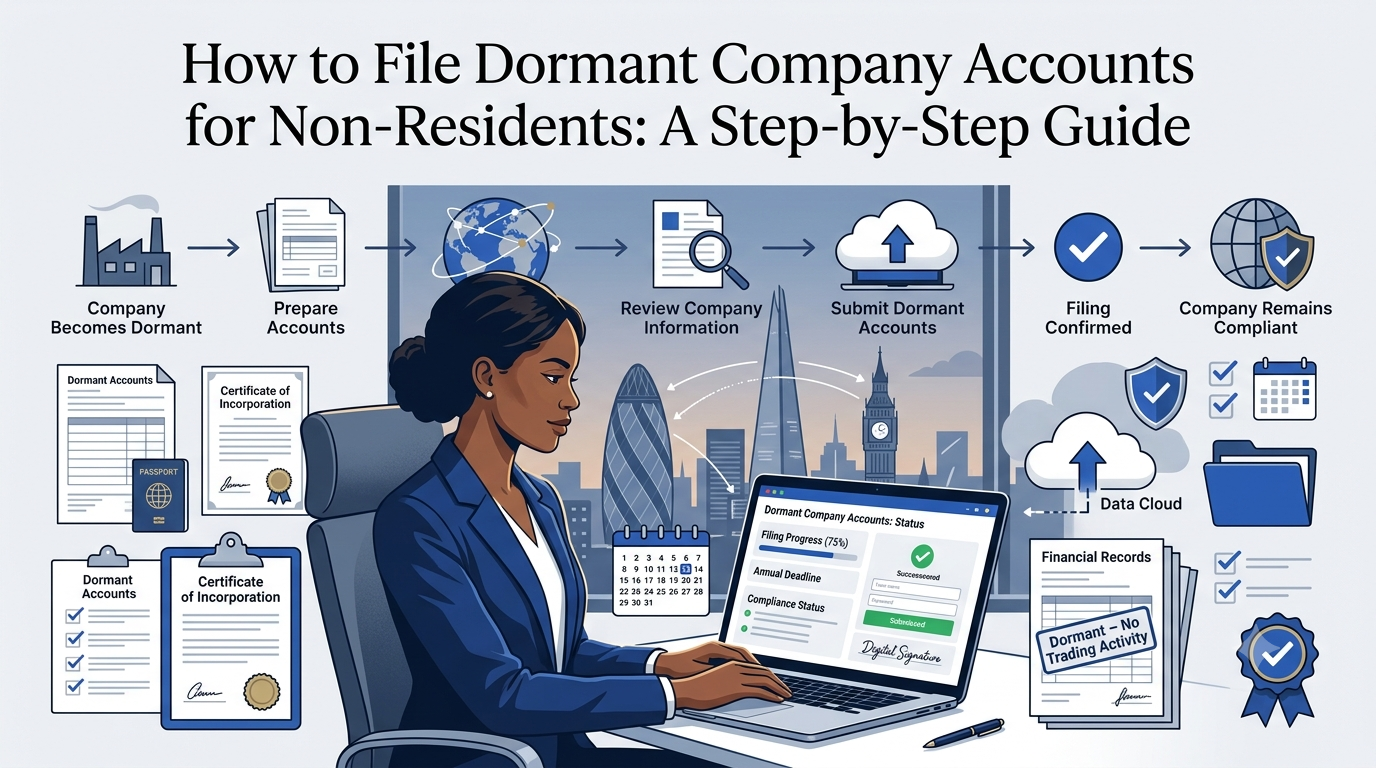
File Dormant Company Accounts
Filing dormant company accounts is one of the simpler UK compliance tasks, but doing it from abroad as a non-resident owner comes with a few extra practical considerations. The filing itself is done entirely online through Companies House WebFiling, and for most small dormant companies it takes just a few minutes once you know what you’re doing. At Form My Company, we file dormant company accounts for non-resident owners as part of our ongoing support. This guide walks through exactly how to file, step by step, with the specific tips that matter when you’re doing it from outside the UK.
What You Need Before You Start
Before you begin the filing, gather:
- Your Companies House WebFiling account credentials. If you’ve never used WebFiling before, you’ll need to register an account first.
- Your company’s authentication code. This is a unique code Companies House issues for online filings. If you don’t have one, you can request it through WebFiling, though it’s typically posted to your registered office address, which can take several working days to arrive.
- Your accounting reference date. The date your accounting period ended, which sets your filing deadline.
- Your called up share capital details. The share capital paid in at incorporation.
- Confirmation your company genuinely qualifies as dormant. No significant accounting transactions during the accounting period, beyond limited exceptions like the initial share subscription, Companies House fees, and any late filing penalties.
- A stable internet connection. Digital filings depend on being able to complete the process without interruption.
For non-resident owners, the authentication code point is worth planning around. If you don’t already have one and your deadline is soon, that could be a problem. Request it well in advance of when you need to file.
Step 1: Confirm Your Company Genuinely Qualifies as Dormant
Before filing dormant accounts, make sure your company actually qualifies. Companies House considers a company dormant when there are no “significant accounting transactions” during the accounting period, beyond a limited set of exceptions:
- Payments for shares taken by subscribers on incorporation. Your initial share capital.
- Fees paid to Companies House. Such as the incorporation fee or the £50 confirmation statement fee.
- Penalties paid for late filing of accounts. If applicable.
Anything else (a supplier payment, a customer receipt, an interest payment on cash, a bank charge, a domain renewal, or almost any other financial movement) generally counts as a significant transaction. If any of these happened during the accounting period, your company isn’t dormant, and you need to file full accounts instead, not Form AA02.
Getting this wrong is one of the most common problems. Filing dormant accounts for a company that has actually traded (even minimally) can lead to serious issues if Companies House later challenges the filing.
If you’re not certain, it’s worth checking with a qualified UK accountant before filing.
Step 2: Find Your Accounting Reference Date and Filing Deadline
Your accounting reference date (ARD) is set at incorporation and determines your accounting period end. To find it:
- Log into Companies House WebFiling and check your company’s details, or
- Search the Companies House public register at gov.uk/get-information-about-a-company. Your company overview shows the ARD.
The filing deadlines are:
- For your first accounts. 21 months from your incorporation date.
- For subsequent accounts. 9 months after the end of your accounting reference period.
Missing these deadlines results in automatic financial penalties starting at £150 (up to one month late) and rising to £1,500 (more than six months late). Repeat late filing can double the penalties.
For non-resident owners, set calendar reminders well ahead of the deadline. Postal reminders sent to your registered office may not reach you in time.
Step 3: Log In to Companies House WebFiling
Head to the Companies House WebFiling service. If you don’t yet have an account, you’ll need to register:
- Set up an account with your email and a password. Keep these credentials safe.
- Verify your email. Companies House will send a verification link.
- Add your company. You’ll be asked for your company registration number and your authentication code. Without the authentication code, you can’t add or file for your company.
Once your company is added to your account, WebFiling gives you access to file various documents, including dormant accounts.
Step 4: Start the Dormant Accounts Filing
From your WebFiling dashboard:
- Select your company. From your list of companies.
- Choose “File dormant accounts.” The system offers this option if your company is eligible. For most small dormant companies, this uses Form AA02.
- Confirm the accounting period. The dates should already be populated based on your ARD.
- Provide the required financial details. For AA02, this is essentially your called up share capital position and any called up share capital not paid.
The AA02 is deliberately simple because there’s nothing much to report when the company is dormant. The whole filing is typically just a few figures rather than a full profit and loss and complete balance sheet.
Step 5: Review Everything Before Submitting
Before you submit, review the accounts on screen. Check:
- Your company details are correct. Company name, registration number, accounting period.
- The financial figures are accurate. Share capital should match what was issued at incorporation, unless there have been separate share issuances.
- The dormant declaration is appropriate. You’re formally declaring that the company was dormant during the accounting period.
- Director details are correct. The filing is signed by a director. Their name and position should be right.
This is a legal filing, so accuracy matters. Take a moment to double-check before proceeding.
Step 6: Submit and Confirm Acceptance
Once you’re satisfied everything is correct:
- Submit the filing. WebFiling processes it and provides confirmation.
- Save your acceptance email. Companies House emails you when the accounts are accepted. Keep this for your records.
- Check the public register. A day or two after filing, search your company on the Companies House public register to confirm the accounts appear as filed and accepted.
Digital dormant accounts filings are usually processed within one working day.
Step 7: Track Your Next Deadline
Once you’ve filed:
- Your next accounts filing deadline updates. It’s 9 months after your next accounting period ends.
- Set calendar reminders. For 60 days out, 30 days out, and 7 days out from the next deadline.
- Keep records of your filing. Save the acceptance email and any correspondence.
- Confirm your confirmation statement is also up to date. Accounts and confirmation statements have different deadlines, so don’t confuse them.
For non-resident owners, building this into your calendar system is essential. Nothing is more frustrating than discovering you’ve missed a filing months after the fact.
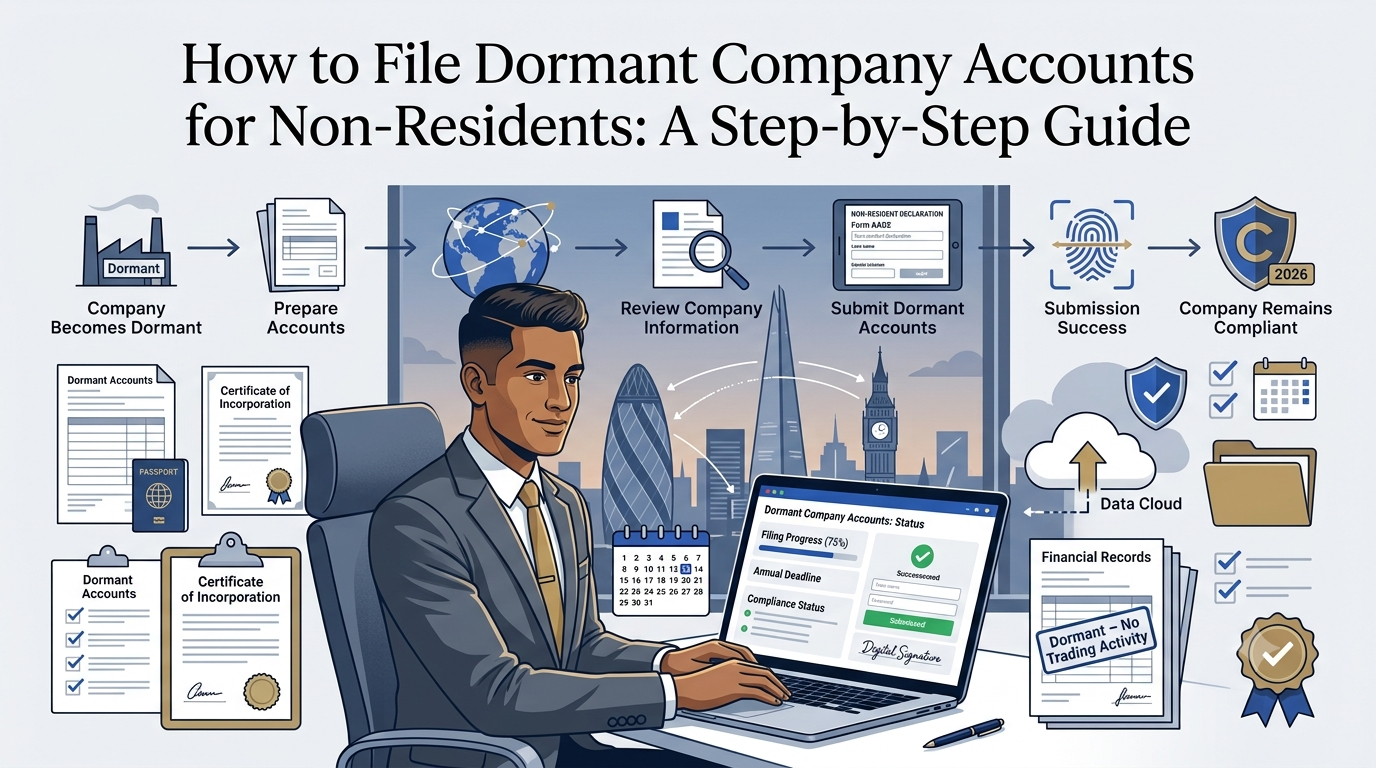
Specific Considerations for Non-Resident Filers
Filing from abroad adds some practical factors worth planning for:
- Time zone alignment. Companies House operates in UK time. If your deadline falls at what would be the end of the UK working day, filing from a very different time zone late in the day is risky if anything goes wrong. Aim to file with buffer.
- Authentication code delivery. This is posted to your UK registered office, so if you don’t have one already and your deadline is soon, this alone can cause problems. Request it well in advance.
- Payment method acceptance. Filing dormant accounts doesn’t currently have a fee, so payment isn’t an issue for this specific filing. It’s worth noting though that other filings (like the confirmation statement’s £50 fee) may require a card that works internationally.
- Access to Companies House support. If something goes wrong with the filing, Companies House support is available in UK business hours. Consider this when timing your filing.
- Coordination with other UK compliance. Dormant accounts, confirmation statement, and any HMRC obligations all have their own deadlines. Non-resident owners often benefit from a compliance service that tracks all these together.
- Reliable internet. Sounds obvious, but ensure you can complete the filing without interruption. A partially completed submission can be frustrating to resolve remotely.
Common Mistakes to Avoid
A few issues come up regularly when non-residents file dormant accounts:
- Filing dormant accounts for a company that has actually traded. Even small transactions can disqualify dormant status. If in doubt, check with a UK accountant.
- Missing the 9-month filing deadline. Late filing penalties start at £150 and escalate quickly.
- Not having the authentication code ready. Requesting it late can cause missed deadlines because it’s posted rather than emailed.
- Confusing accounts deadline with confirmation statement deadline. They’re separate, with different timing.
- Forgetting to file the confirmation statement. Dormant companies still need to file both. Filing accounts alone doesn’t satisfy the confirmation statement obligation.
- Overlooking HMRC. A dormant company may or may not need to file a Corporation Tax return with HMRC. Confirm your status with HMRC separately, don’t assume Companies House handles this.
- Assuming dormant status carries over automatically. Each year requires its own filing and its own confirmation of dormant status.
- Not checking the filing was accepted. A submitted filing isn’t the same as an accepted filing. Confirm acceptance on the public register.
Working through the process methodically avoids all of these.
When Professional Support Is Worth It
For a genuinely simple dormant company with no complications, filing yourself through WebFiling is quick and manageable, even from abroad. Professional support becomes worth it when:
- You’re not sure whether your company is truly dormant. If there have been any transactions, professional advice avoids misfiling.
- You’ve missed a deadline and penalties are accruing. Professional help catches things up efficiently and minimises further exposure.
- You have both accounts and confirmation statement obligations. Coordinating both, tracked automatically, saves significant time.
- You want ongoing peace of mind. An ACSP that tracks both deadlines and files on your behalf turns compliance into a background task.
- You’re preparing to activate your dormant company. The transition to trading is a natural moment to set up ongoing accounting and compliance support.
- Your ownership structure is complex. Multiple directors, corporate shareholders, or unusual share arrangements benefit from experienced eyes.
How Form My Company Helps
We handle dormant company accounts filing for non-resident owners as part of our ongoing support. As an Authorised Corporate Service Provider (ACSP), we can:
- Track your accounting reference date and filing deadline
- Confirm your company qualifies as dormant before filing
- File dormant company accounts (Form AA02) on your behalf
- File your annual confirmation statement (£50 fee applies) alongside
- Handle identity verification (IDV) for directors and PSCs under the ECCTA
- Provide a compliant UK registered office address in Bolton BL1 to receive statutory correspondence
- Provide a UK director’s service address to keep your home address off the public register
- Support the transition when your company starts trading
- Coordinate wider compliance including HMRC obligations where needed
For non-resident owners with a dormant UK company, this turns annual filings into something that happens in the background, with clear communication when we need input from you.
File Your Dormant Accounts Correctly Today
Filing dormant company accounts is one of the simpler UK compliance tasks, but doing it correctly and on time from abroad still requires the right process and reliable tracking. With Form My Company, filing dormant accounts and staying on top of wider compliance is quick, straightforward, and fully supported. Get in touch today and let us keep your dormant UK company in good standing, wherever you’re based.
Frequently Asked Questions
How do I file dormant company accounts as a non-resident?
File online through Companies House WebFiling using Form AA02 for eligible small dormant companies. You’ll need a Companies House account, your company’s authentication code, and the required financial details. The filing itself takes just a few minutes once you’re set up.
Is there a fee to file dormant company accounts?
No. Companies House currently doesn’t charge a fee for filing dormant accounts. The £50 fee associated with UK compliance applies to the confirmation statement, which is a separate annual filing.
What is Form AA02?
Form AA02 is the simplified dormant company accounts form for small dormant companies. It captures your called up share capital position rather than a full profit and loss and balance sheet, because there’s nothing much to report when the company is dormant.
How long does it take to file dormant accounts online?
The filing itself takes a few minutes once you’re set up on Companies House WebFiling. The whole process (registering an account, adding your company, and filing) is usually completed in under an hour, though the authentication code delivery by post can add several working days if you don’t already have one.
What happens if I miss the deadline?
Automatic financial penalties apply on a sliding scale, from £150 for up to one month late to £1,500 for more than six months late. Repeat late filing can double these penalties, and sustained non-compliance can lead to strike-off proceedings.
Do I need my authentication code to file dormant accounts?
Yes. Online filings through WebFiling require your company’s authentication code, which is posted to your registered office address. Request it well in advance of your deadline if you don’t already have one.
Can I file dormant accounts myself, or do I need an accountant?
For a genuinely simple dormant company with no complications, you can file yourself through WebFiling. An accountant or company services provider is worth it if you’re not sure about dormant status, you’ve missed a deadline, or you want ongoing tracking of both accounts and confirmation statement obligations.