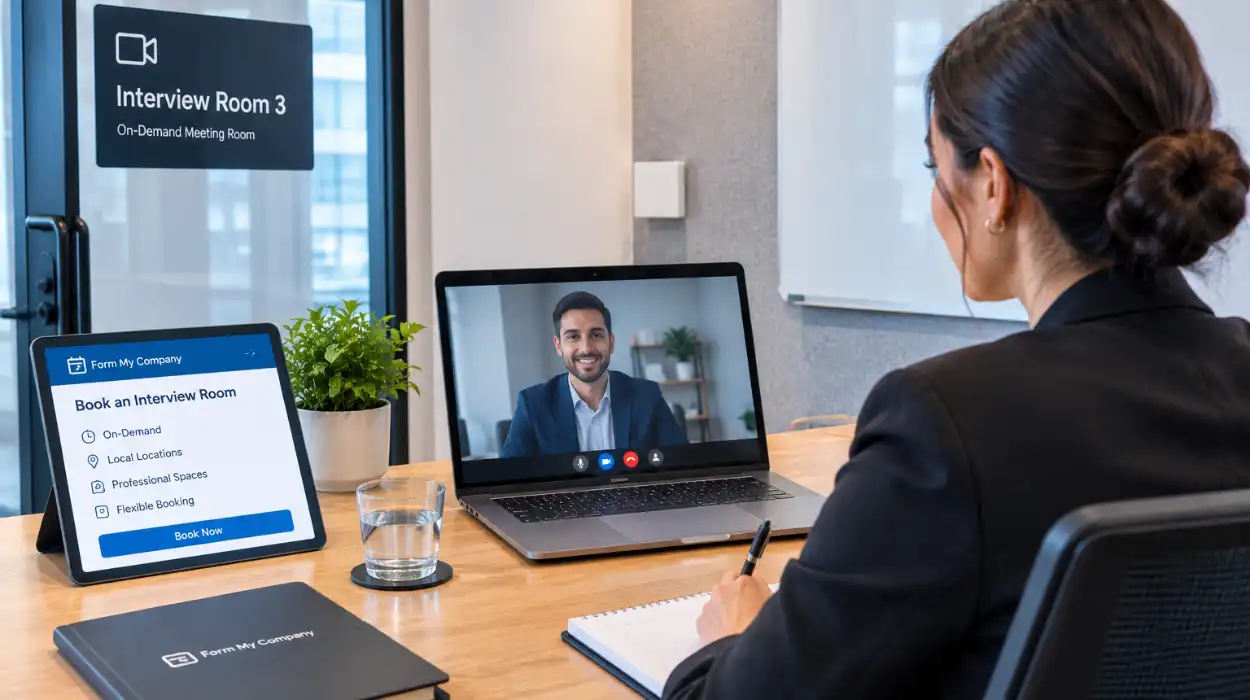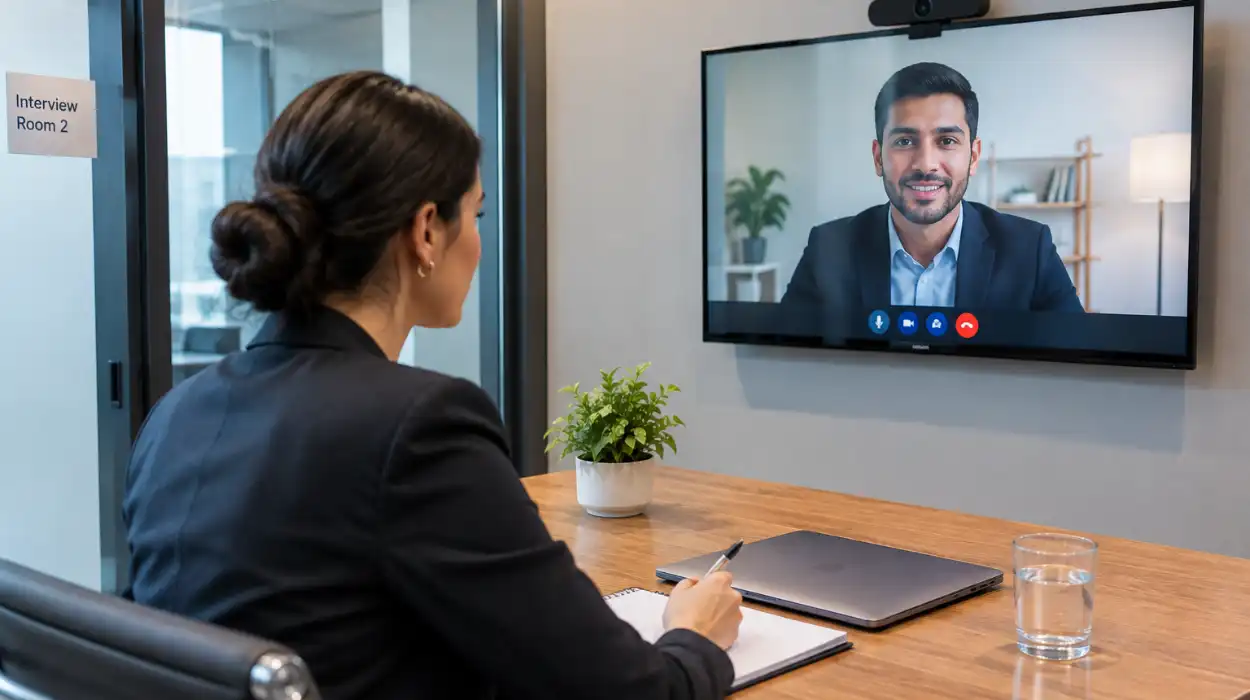
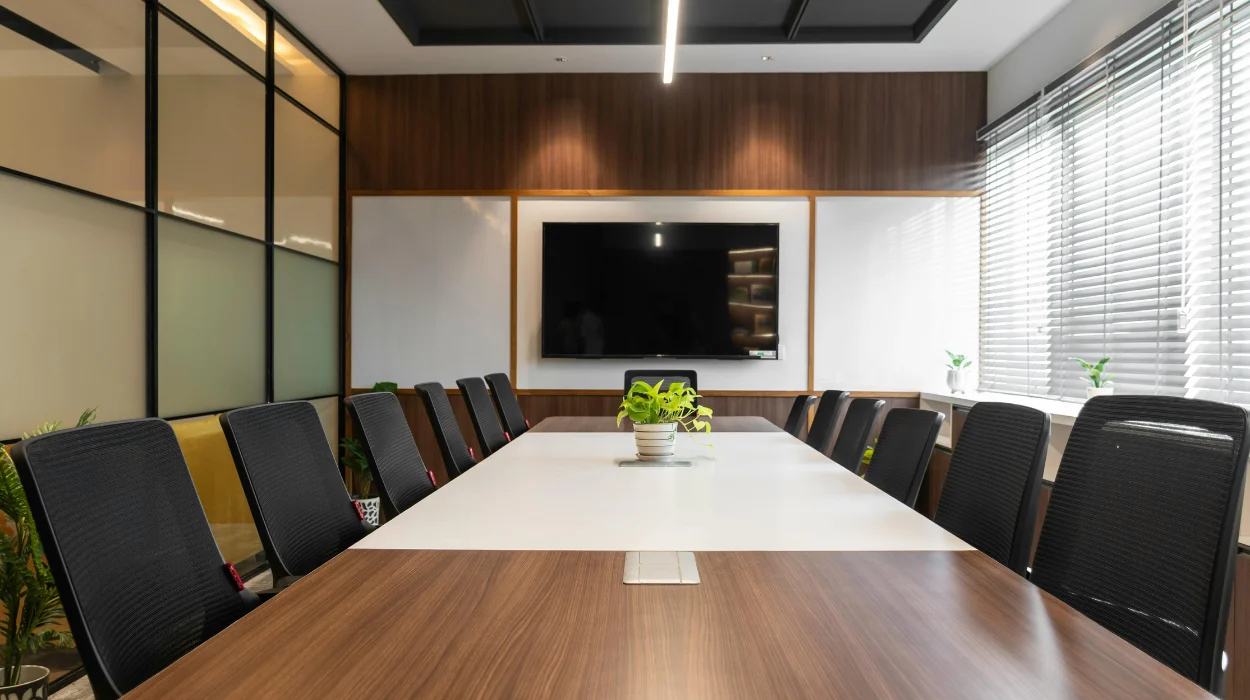
You can book hybrid-ready conference rooms through Form My Company by choosing your location on our portal, selecting your room package, and confirming your reservation instantly online. Every venue includes high-speed internet, integrated audio-visual hardware, and remote meeting capabilities.
Why Should UK Businesses Invest in Hybrid-Ready Conference Rooms?
UK businesses should invest in hybrid-ready conference rooms because high-grade audio-visual infrastructure lowers travel costs, improves remote participant engagement, and ensures seamless compliance with modern flexible working standards.
Modern workplace dynamics require reliable communication channels between remote employees and in-person teams. Legacy meeting spaces often lack the bandwidth and hardware needed to host stable multi-point video calls. Investing in purpose-built spaces eliminates technical downtime during critical client presentations and stakeholder meetings.
Recent corporate surveys indicate that 73% of UK enterprises operate under hybrid working arrangements. Organizations using legacy equipment lose an average of 12 minutes per meeting to connectivity and device compatibility issues. Dedicated hybrid spaces solve this friction through pre-configured, plug-and-play technology setups.
Deploying professional venues also enhances corporate credibility. Clients participating virtually receive clear camera feeds and crisp audio, which reflects positively on enterprise standards. Businesses that upgrade their meeting infrastructure report higher satisfaction scores during cross-border collaboration sessions.
To understand the core technology stack behind these spaces, read our guide on what is a hybrid conference and how it works.
What Features Define a Professional Hybrid Meeting Venue?
A professional hybrid meeting venue features high-speed optic fiber internet, multi-directional microphone arrays, 4K auto-tracking cameras, dual display monitors, and interactive whiteboards designed for interactive remote collaboration.
The foundation of any hybrid space is network reliability. Venues must provide dedicated Ethernet connections alongside encrypted Wi-Fi networks to handle heavy data throughput. High bandwidth prevents video lag and audio dropouts during high-stakes presentations.
Advanced display systems allow in-person attendees to view remote participants and shared presentation materials simultaneously. Dual-screen setups ensure that speaker video feeds do not obscure shared documents, financial charts, or software demonstrations.
Superior acoustics are equally vital. Sound-dampening wall panels reduce background noise and ambient echo in larger rooms. Integrated ceiling microphones capture voices from every corner of the room without requiring participants to pass handheld microphones around the table.
Selecting the right location involves evaluating both technical specifications and physical space layouts. Learn more about evaluating spatial arrangements by reading how to choose a venue equipped for hybrid conferences.
How Does Form My Company Simplify the Booking Process?
Form My Company simplifies the booking process by offering an online platform with real-time calendar availability, transparent hourly pricing, automated reservation confirmations, and instant technical configuration selections.
Finding reliable venues traditionally involves lengthy email chains, manual venue quotes, and unpredictable facility standards. Our digital reservation system eliminates these delays by giving administrators direct access to real-time room availability across prime business locations.
Users select their preferred date, duration, and room size through a streamlined online dashboard. You can specify exact technical setups, such as extra display monitors, specialized conference phones, or additional seating arrangements, prior to checkout.
Billing remains clear and predictable. Form My Company offers flexible booking models that allow organizations to hire spaces by the hour, half-day, or full day without hidden facility maintenance fees.
To reserve your next corporate meeting space, explore our official Form My Company conference room booking services.
What Technical Equipment Is Pre-Installed in Our Rooms?
Our conference rooms feature pre-installed 4K cameras, ceiling-mounted beamforming microphone arrays, ultra-high-definition screens, external laptop dock connections, and universal screen-sharing software.
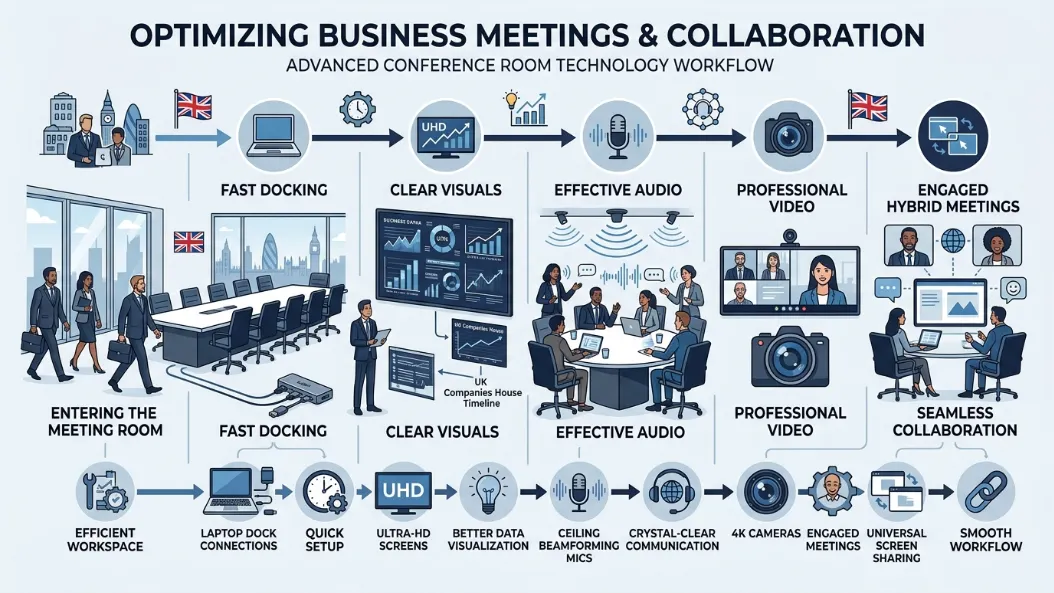
Hardware setup can consume valuable meeting time when technology is not integrated cleanly. Our rooms utilize standardized connection hubs compatible with Windows, macOS, and Linux operating systems via a single USB-C cable interface.
Visual technology includes intelligent cameras that automatically frame active speakers. This dynamic framing ensures remote attendees maintain direct visual contact with whoever is speaking, creating a natural conversation flow across external locations.
Audio hardware uses active noise-cancellation protocols to strip out HVAC noise and external street sounds. Beamforming ceiling arrays track voices dynamically across the room, ensuring equal volume levels for all speakers regardless of where they sit.
Connect hardware using a single USB-C universal dock
Share screens wirelessly using encrypted browser protocols
Adjust room lighting through central touchscreen panels
Access high-speed symmetric optic fiber internet connections
How Do Remote Participants Connect to the System?
Remote participants connect to the room system by clicking a single meeting link provided by the host platform, which links directly to the camera and audio arrays inside the venue.
System interoperability ensures off-site team members join meetings without installing secondary software tools. Our integrated hardware supports primary conferencing software including Microsoft Teams, Zoom, Google Meet, and Cisco Webex natively.
When hosts launch a meeting, the room system authenticates automatically through secure enterprise accounts. Remote participants receive HD video streams and balanced multi-channel audio directly from the physical room.
Interactive whiteboards let remote attendees view drawing inputs in real time. Off-site workers can annotate shared digital documents, and those edits instantly display on the room’s main monitors for in-person attendees.
Security standards match strict corporate compliance protocols. Encrypted transmission channels prevent unauthorized access to video streams, keeping confidential business discussions fully secure during cross-border operations.
Which Business Use Cases Benefit Most From Hybrid Rooms?
Board meetings, international client sales pitches, hybrid training workshops, product demonstrations, and corporate recruitment interviews benefit most from hybrid-ready conference spaces.
Executive board meetings require flawless communication security and high-definition video clarity. When board members reside in different countries, dedicated hybrid rooms ensure full participation without requiring travel budgets or complex logistical arrangements.
Sales teams hosting major client presentations rely on immersive visual displays to demonstrate software platforms and pitch proposals. High-resolution screens present financial figures cleanly, while auto-tracking cameras preserve personal connections with prospective buyers.
Training departments utilize hybrid spaces to educate distributed workforces simultaneously. Instructors run interactive workshops where local participants and remote staff complete group exercises using integrated cloud tools and split displays.
Host annual shareholder assemblies with remote board members
Deliver interactive product demos to international clients
Conduct multi-stage recruitment interviews with remote candidates
Run technical training sessions for geographically dispersed teams
What On-Site Support Does Form My Company Provide?
Form My Company provides on-site IT technicians, front-desk greeting staff, catering coordination options, and continuous hardware monitoring throughout your scheduled booking window.
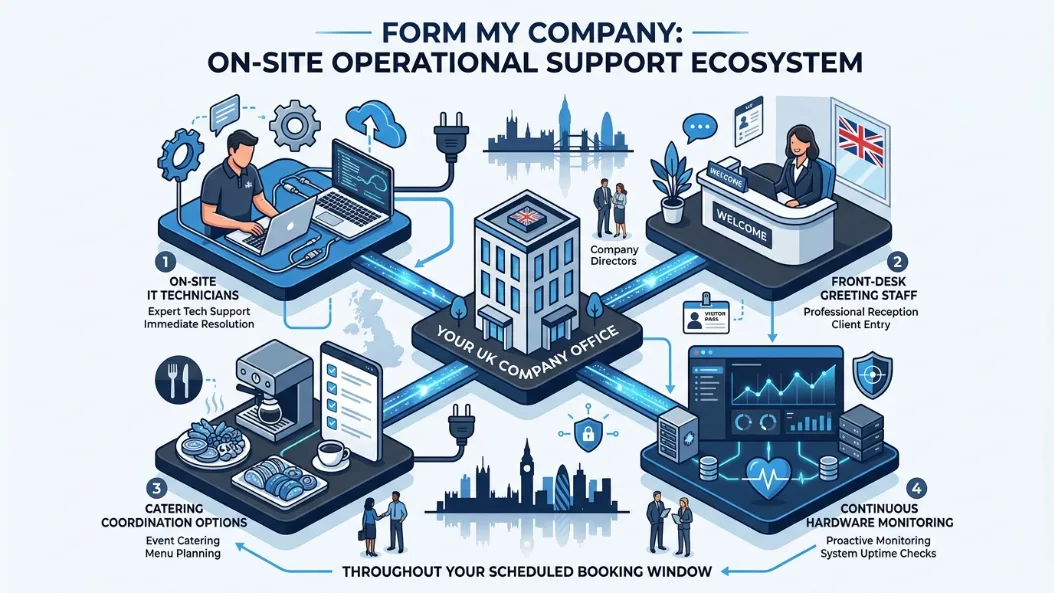
Technical disruptions can stall productivity and distract meeting participants. On-site IT support specialists check room hardware before your scheduled start time to verify network connections, display inputs, and audio levels.
If a technical issue occurs during your session, support staff resolve it immediately without disturbing your attendees. Technicians can reconfigure display routings, adjust microphone sensitivities, or troubleshoot connection profiles within minutes.
Professional reception staff greet your guests upon arrival and guide them directly to your reserved suite. We offer optional administrative assistance, including document printing, badge generation, and local transport coordination for external visitors.
Catering options range from premium coffee stations to fully catered business lunches. Administrative teams can order food and beverages directly through the reservation portal when finalizing room booking schedules.
How to Choose the Right Conference Room Size?
Choose the right conference room size by matching attendee headcount to space capacity, leaving room for physical movement, equipment setups, and spatial distancing preferences.
Booking an oversized room leads to unnecessary operational expenditure, while undersized rooms cause physical discomfort and poor acoustic performance. Room capacities must account for both seated participants and necessary hardware layouts.
Small huddle rooms host up to 4 people, making them ideal for quick team syncs, private client calls, and one-on-one performance reviews. These spaces focus on compact efficiency, featuring single large displays and table-top camera pods.
Medium-sized conference suites comfortably accommodate 6 to 12 participants. These rooms provide ample space for formal client presentations, committee meetings, and collaborative department strategy sessions using dual-screen setups.
Large boardrooms accommodate 15 to 30 people and suit annual general meetings, corporate workshops, and all-hands briefings. These expansive suites incorporate full ceiling microphone arrays, dual displays, and dedicated presenter podiums.
Explore our Conference Rooms guide,
Get Full-Service Catered Event Spaces From Form My Company
Book Conference Rooms With Refreshments at Form My Company
Frequently Asked Questions
What features are included with Form My Company conference rooms?
Form My Company conference rooms feature high-speed fiber internet, 4K auto-tracking cameras, beamforming ceiling microphone arrays, dual UHD displays, and universal USB-C docking hubs. Every room booking also includes access to on-site technical support and professional reception services.
How do I reserve a hybrid meeting space through Form My Company?
You can reserve a hybrid meeting space by accessing the Form My Company online portal, selecting your preferred location and room size, and confirming availability in real time. The platform allows instant reservations with customizable hourly, half-day, or full-day booking options.
Are Form My Company conference rooms compatible with Zoom and Microsoft Teams?
Yes, all Form My Company conference rooms are built with native cross-platform compatibility for Microsoft Teams, Zoom, Google Meet, and Cisco Webex. Participants connect external devices using standard USB-C or wireless screen-sharing protocols without installing dedicated venue software.
What is the typical capacity of a Form My Company conference room?
Form My Company offers scalable meeting spaces ranging from small executive huddle rooms for 2 to 4 people up to large corporate boardrooms accommodating up to 30 attendees. Each room is configured to support both local participants and integrated remote attendees comfortably.
Can I get on-site technical assistance during my meeting at Form My Company?
Yes, Form My Company provides dedicated on-site IT technicians who conduct pre-meeting hardware checks and monitor audio-visual systems throughout your reservation. Technicians resolve connectivity or display adjustments immediately to prevent meeting downtime.