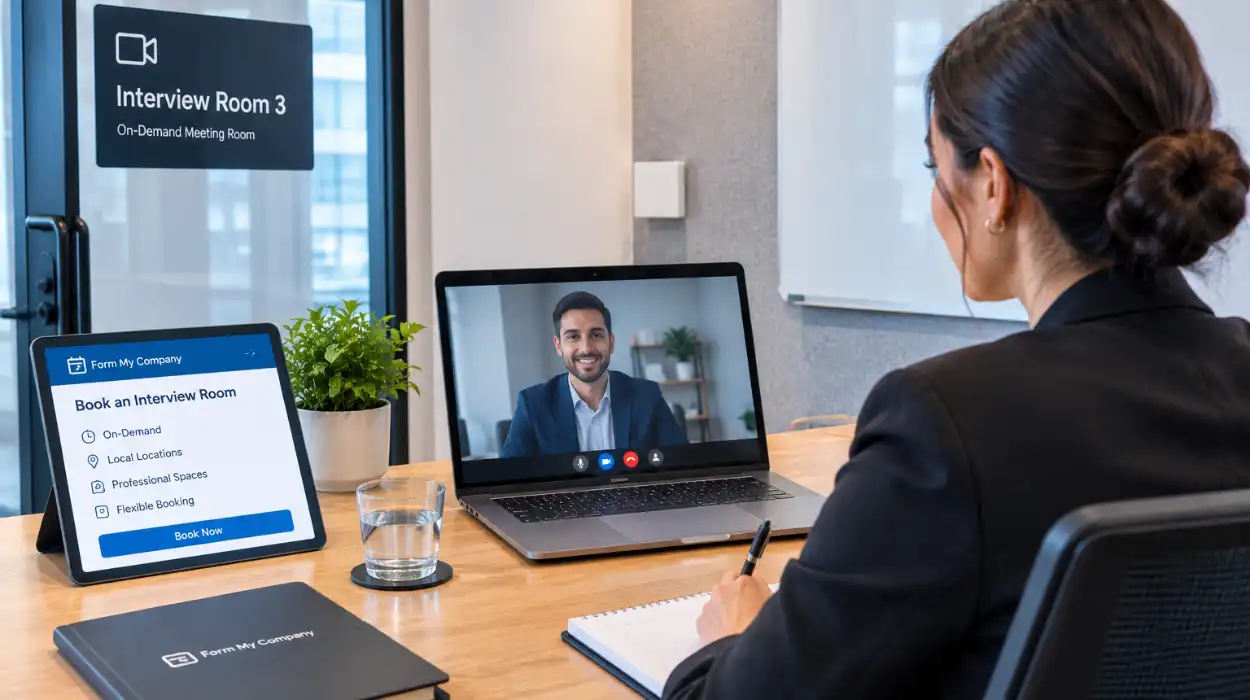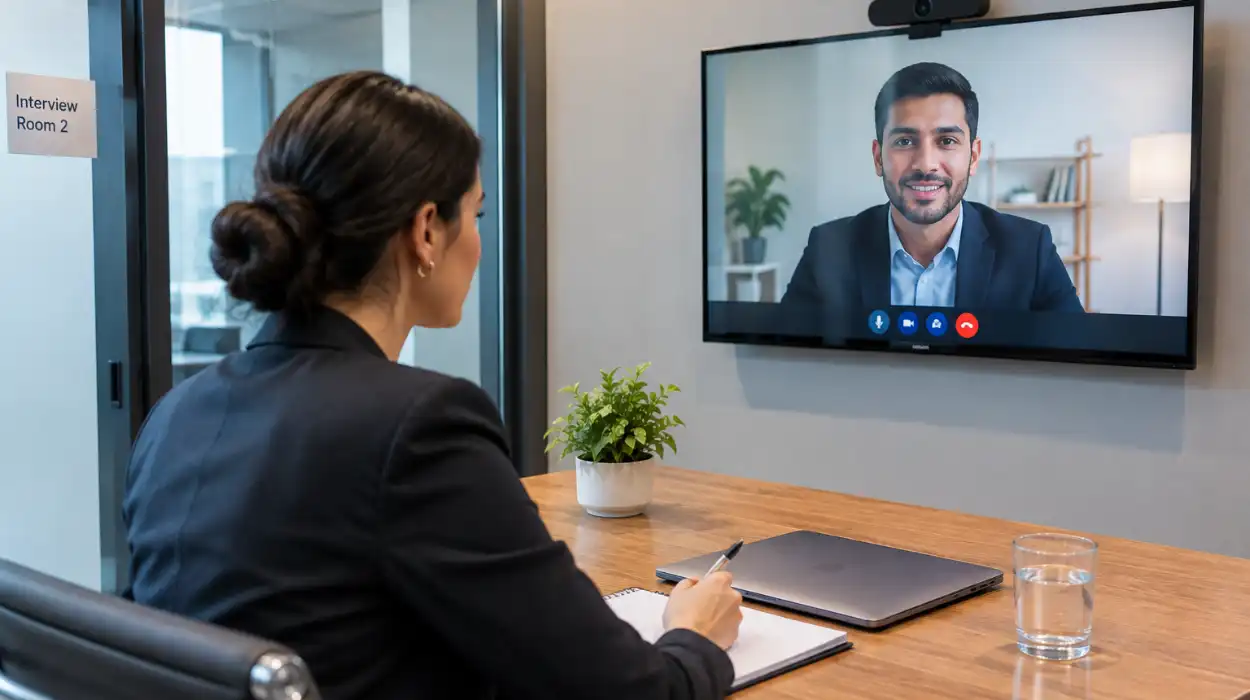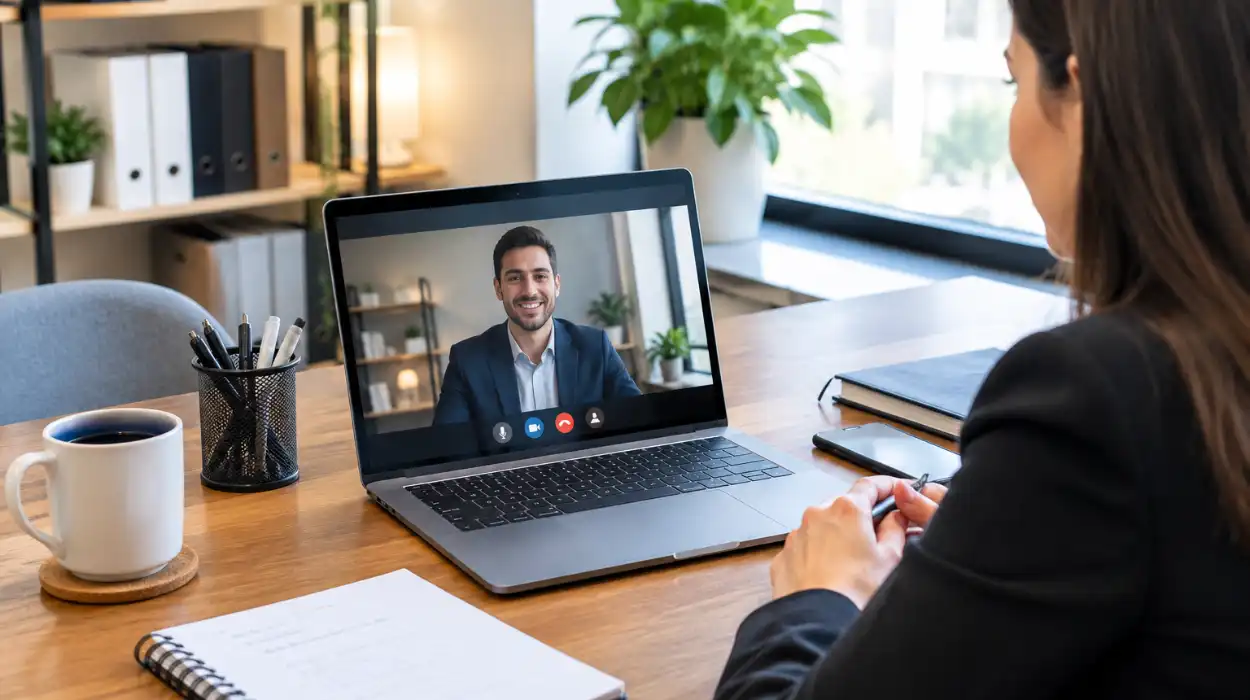
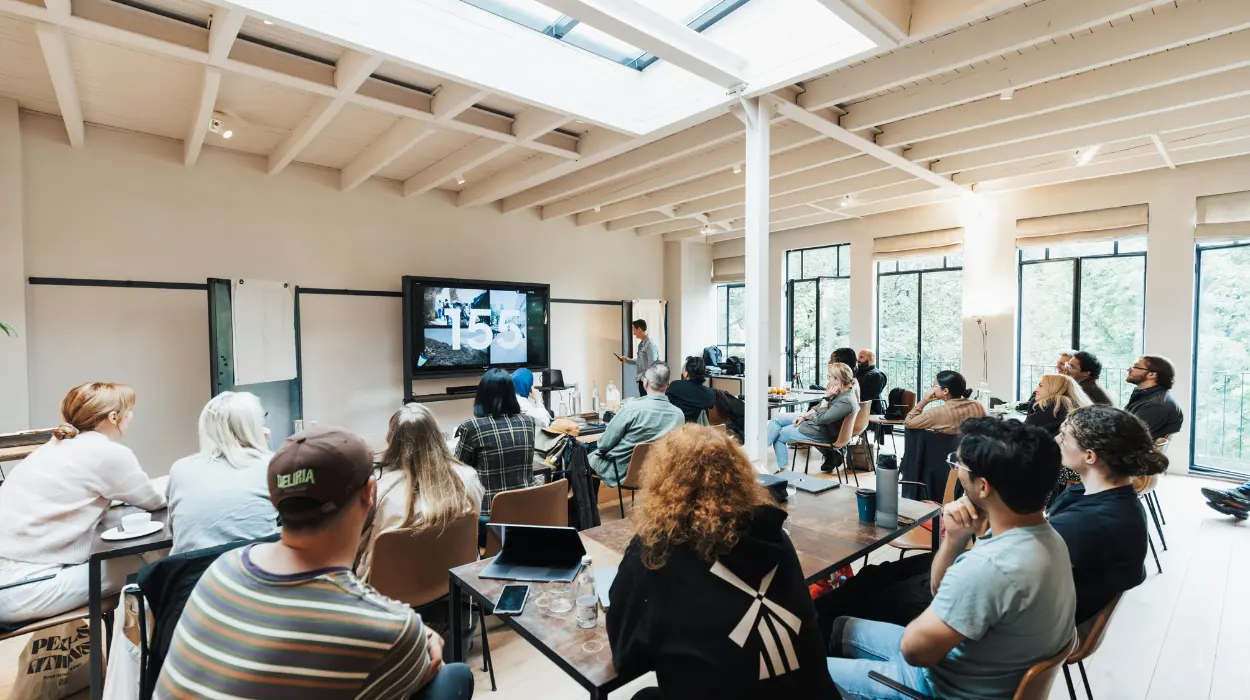
To keep remote attendees engaged in a live event, organizers must integrate two-way interactive polling, maintain short content modules, assign dedicated virtual moderators, and utilize professional audio-visual setups. These strategies ensure equal participation and eliminate passive viewing for off-site participants.
Organizing successful corporate gatherings requires balancing the needs of physical and digital audiences. Passive streaming leads to audience drop-off within the first 20 minutes of a session. Modern event management relies on intentional engagement frameworks that treat remote participants as active contributors rather than silent observers.
Engaging off-site participants protects event ROI and expands brand reach across international markets. Companies operating in competitive business hubs must adopt structured digital workflows to bridge the gap between physical venues and home offices.
Why Do Remote Event Audiences Lose Focus Quickly?
Remote event audiences lose focus because digital environments present continuous distractions, screen fatigue degrades passive attention spans, and traditional one-way streaming isolates off-site viewers. Without direct interaction, remote participants default to multitasking within 15 minutes of session start times.
Home and office environments contain competing priorities like incoming emails, instant messages, and local workplace notifications. When a presentation lacks structural touchpoints, viewers shift their primary focus toward daily task execution.
Screen fatigue accelerates mental exhaustion during long presentation blocks. Human attention spans shorten significantly when consuming static video feeds on computer monitors.
Isolation occurs when speakers address only the physical room. When presenters fail to acknowledge the virtual audience, remote viewers feel disconnected from the central narrative.
How Do Interactive Polling and Q&A Tools Drive Engagement?
Interactive polling and real-time Q&A tools drive engagement by transforming passive viewers into active participants, generating immediate audience data, and giving remote attendees a direct voice in presentation outcomes. Integrating these features increases audience response rates by up to 45 percent.
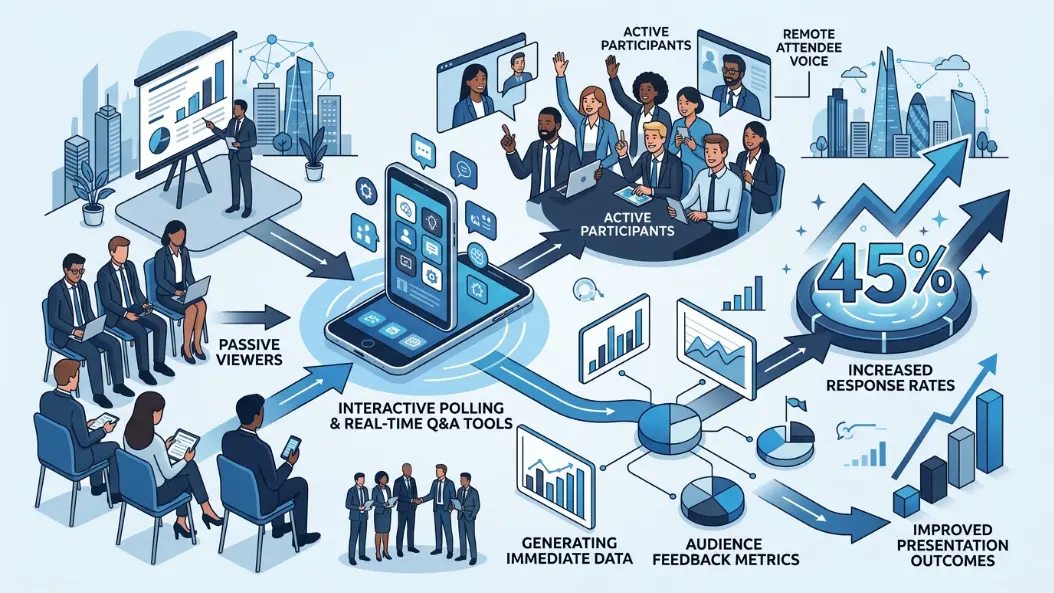
Live polling platforms force attendees to interact directly with their display screens. Posing targeted questions every 10 to 12 minutes resets the audience attention clock.
Real-time Q&A modules democratize session participation. Remote participants upvote relevant questions, ensuring presenters address the most critical topic areas during dedicated discussion segments.
Data collection improves when organizers embed interactive widgets into the main event interface. Presenters adjust their delivery based on live poll results, creating a dynamic feedback loop that benefits all attendees.
What Is the Role of a Dedicated Virtual Host?
A dedicated virtual host acts as the explicit bridge between remote attendees and the physical stage, monitoring chat feeds, relaying digital questions to presenters, and facilitating virtual breakout discussions. This role prevents remote participant marginalization during live presentations.
Physical presenters often struggle to split focus between an in-person room and a webcam feed. A dedicated online moderator manages the virtual chat stream and ensures digital questions receive equal airtime.
Virtual hosts welcome remote participants before the main broadcast begins. They run icebreaker activities, explain platform navigation, and resolve minor technical queries without disrupting the primary event schedule.
During open Q&A sessions, the virtual host reads off-site submissions aloud to the physical audience. This structural integration keeps digital participants central to the event narrative.
How Do You Design Event Agendas for Hybrid Audiences?
You design agendas for hybrid audiences by capping presentation segments at 20 minutes, inserting frequent interactive breaks, and offering dedicated virtual networking sessions. Structured timing prevents cognitive overload and maintains energy levels across distinct time zones.
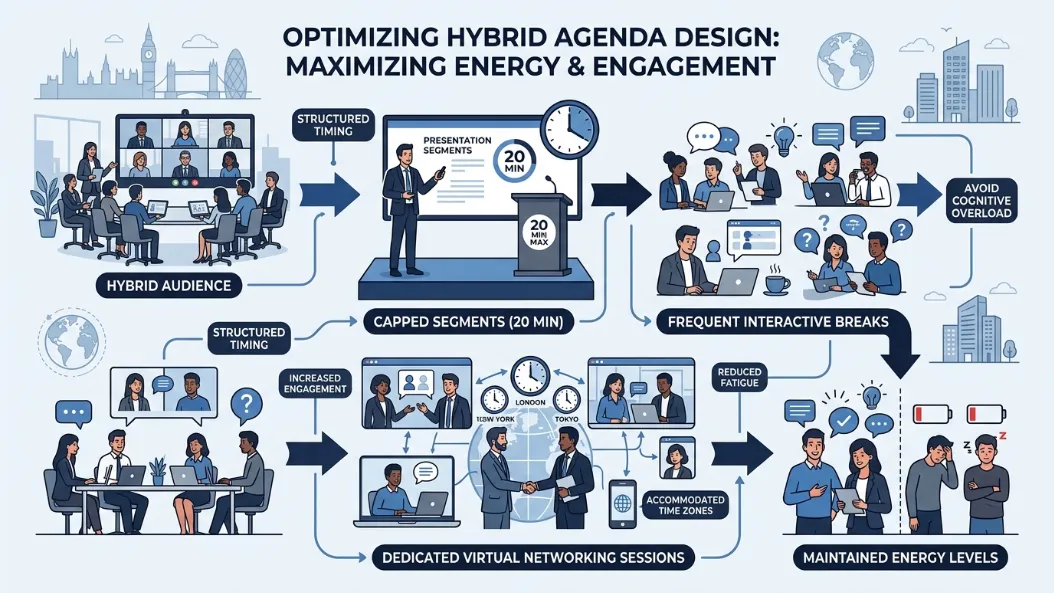
Long monologue presentations fail in hybrid formats. Structuring content into tight, digestible blocks keeps viewers focused on core key takeaways.
Break schedules must cater to remote audience logistics. Short 5-minute movement breaks allow virtual attendees to step away from screens without missing critical agenda items.
Networking modules require intentional digital spaces. Assigning remote participants to facilitated video breakout rooms replicates the organic lobby conversations that occur naturally at physical venues.
| Event Component | Traditional Format | Hybrid-Optimized Format | Remote Engagement Impact |
| Session Length | 45–60 minute monologues | 15–20 minute hyper-focused modules | Prevents digital screen fatigue |
| Audience Q&A | Microphones in physical aisles | Unified digital Q&A platform | Gives equal voice to off-site viewers |
| Networking | Unstructured coffee breaks | Facilitated virtual breakout rooms | Drives active peer-to-peer discussion |
| Audience Input | Show of hands in room | Live digital polls every 10 minutes | Maintains active screen interaction |
Why Is Professional Venue Infrastructure Essential for Remote Engagement?
Professional venue infrastructure is essential because broadcast-grade cameras, studio audio systems, high-speed dedicated internet connections, and professional acoustic treatment eliminate technical friction. Clear audio and visual feeds keep remote viewers focused entirely on presentation content.
Poor audio quality drives remote audience drop-off faster than substandard video feeds. Muffled microphones, room echoes, and background noise force remote listeners to strain, causing rapid mental fatigue.
Consistent video delivery relies on robust network bandwidth. Enterprise-grade venues utilize dedicated synchronous fiber connections to prevent stream buffering, frame drops, and latency lags.
Choosing the right physical facility directly impacts broadcast reliability. Organizations host hybrid events in specialized UK Conference Rooms to access pre-configured camera arrays, professional soundboards, and high-speed streaming lines without heavy capital expenditure.
How Do You Set Up Hardware for High-Quality Video Streaming?
To set up hardware for high-quality video streaming, position multi-camera angles to capture speakers and audience reactions, utilize directional lavalier or podium microphones, and run streams through hardware encoders. Proper hardware routing ensures a smooth, TV-style broadcast for online viewers.
Single static camera angles fail to hold remote audience attention. Switching between wide stage shots, speaker close-ups, and slide presentations maintains visual dynamism throughout the event.
Dedicated hardware encoders process video signals far more reliably than standard laptop software. Hardware encoding prevents system crashes and maintains consistent bitrates during long broadcast sessions.
Executing a flawless technical deployment requires a clear setup sequence. Review how to set up seamless video streaming for a live event to optimize signal routing, audio mixing, and broadcast redundancies before going live.
How Do You Keep Remote Viewers Engaged After the Event?
You keep remote viewers engaged after the event by distributing segmented on-demand recordings, publishing event summary assets, gathering feedback through digital surveys, and inviting participants to online community forums. Post-event touchpoints extend content lifecycle and reinforce key messages.
On-demand video access accommodates participants who experienced schedule conflicts or time-zone constraints. Cutting long event streams into topic-specific, 5-minute video clips increases post-event view counts.
Follow-up communications should arrive within 24 hours of event execution. Sending summary slide decks, resource links, and action item lists keeps the conversation active.
Gathering participant feedback provides data for continuous event optimization. Digital surveys measure satisfaction metrics, platform ease-of-use, and topic relevance for future planning cycles.
How Form My Company Supports Your Hybrid Event Infrastructure
Form My Company provides enterprise-grade venue solutions tailored for corporate meetings, hybrid conferences, and live streaming events. Delivering seamless digital experiences requires professional physical infrastructure, high-speed network reliability, and modern audio-visual technology.
Companies looking to host flawless broadcasts can reserve hybrid event spaces via Form My Company to secure fully equipped environments designed for maximum remote attendee engagement.
Fast Guide: Essential Steps to Register a UK Company
For business owners planning corporate expansion, setting up an official UK corporate entity provides the foundation for commercial operations and hosting professional events. Review this quick-reference guide to streamline your registration process.
| Step | Action Required | Essential Details | Compliance Focus |
| 1. Choose Company Name | Select a unique business name | Must not duplicate existing UK registers or use restricted phrases | Companies House register search |
| 2. Appoint Officers | Assign at least one Director and Shareholder | Directors must be at least 16 years old; can be any nationality | Identity verification compliance |
| 3. Prepare Address | Secure official UK registered address | Must be a physical address in the UK for legal correspondence | Public record transparency |
| 4. Define Shares | Issue initial share capital | Declare statement of capital and shareholder rights | Companies Act structure |
| 5. Submit Documents | File Memorandum and Articles of Association | Standard default articles or customized company rules | Statutory filing completion |
Explore our Conference Rooms guide,
Is Renting an Interview Room Cheaper Than a Long-Term Office?
Why Are Businesses Switching to Hybrid Meeting Formats?
Frequently Asked Questions
What features are included in Form My Company Conference Rooms?
Form My Company Conference Rooms come equipped with superfast fibre internet, large HD TV screens or projectors, flipcharts, and a complimentary drinks station. Each booking also includes a professional reception welcome service and access to flexible layouts such as boardroom, presentation, or collaborative setup.
How do I book a conference room through Form My Company?
You can reserve corporate event spaces directly online by selecting your preferred location, defining the meeting parameters, and choosing an Essential or Premium package. Dedicated specialists handle venue preparation, technical AV setup, and access protocols to ensure a seamless arrival experience for your attendees.
What room configurations are available for hybrid and live events?
Form My Company offers multiple flexible spatial arrangements including traditional boardroom setups for up to 10 participants, theatre-style layouts for audience presentations, and collaborative roundtables. These spaces easily integrate video streaming hardware and multi-camera equipment to support remote and in-person hybrid interactions.
Can non-registered clients hire Conference Rooms from Form My Company?
Yes, any business owner or corporate organizer can hire Form My Company meeting facilities on an hourly or full-day basis without long-term contracts. Both registered clients and external organizations can access standard conference room amenities, concierge support, and AV setups.
Why should businesses use dedicated corporate conference facilities instead of standard offices?
Dedicated meeting spaces eliminate spatial constraints and technical lag by providing high-speed synchronous network infrastructure, professional audio-visual technology, and on-site reception support. Utilizing professional venues ensures broadcast-grade streams for off-site delegates while projecting an authoritative corporate image to stakeholders.