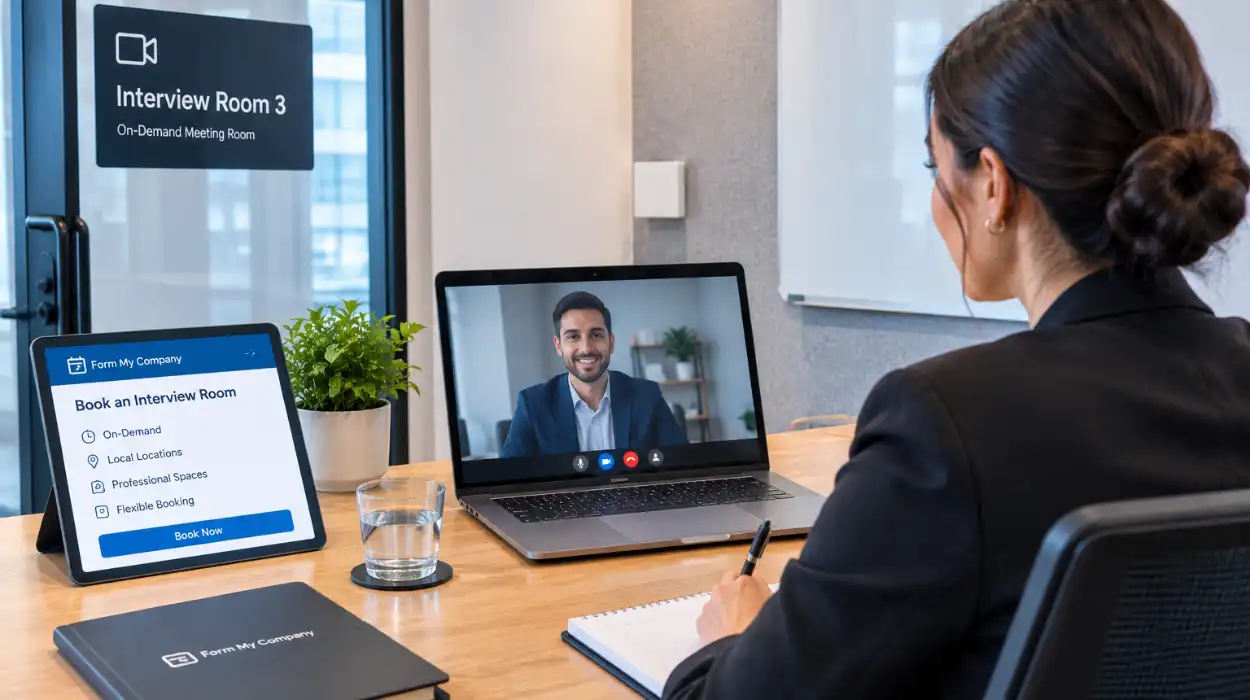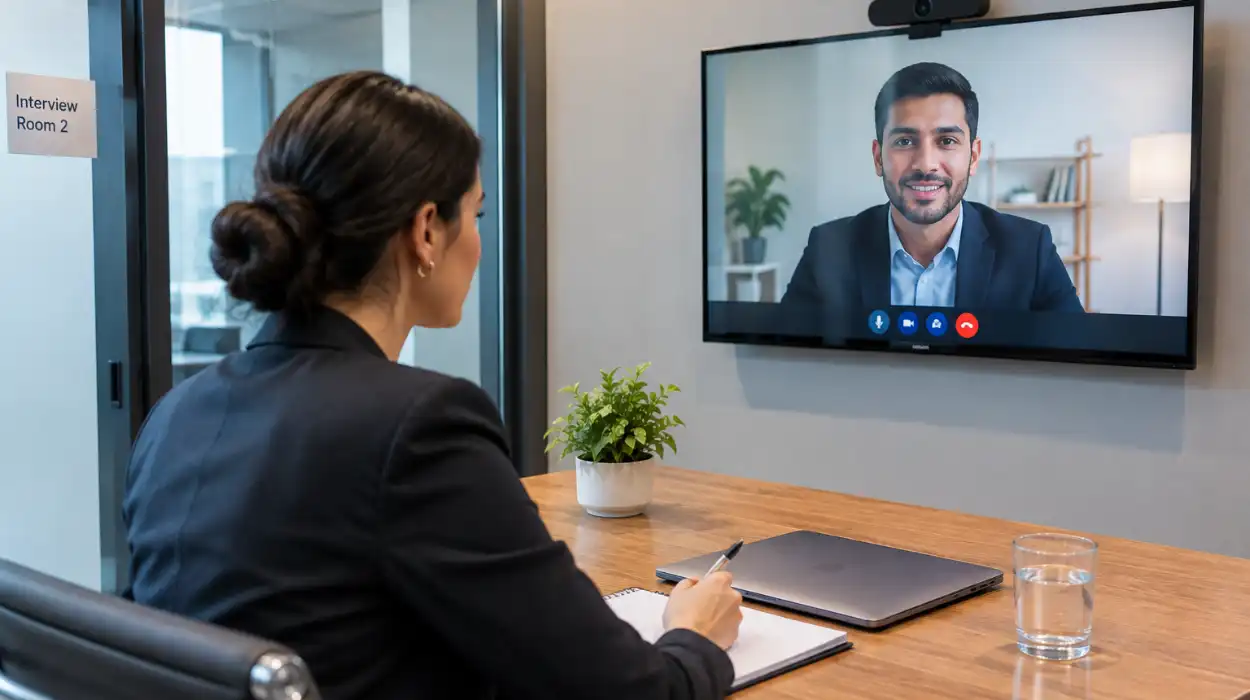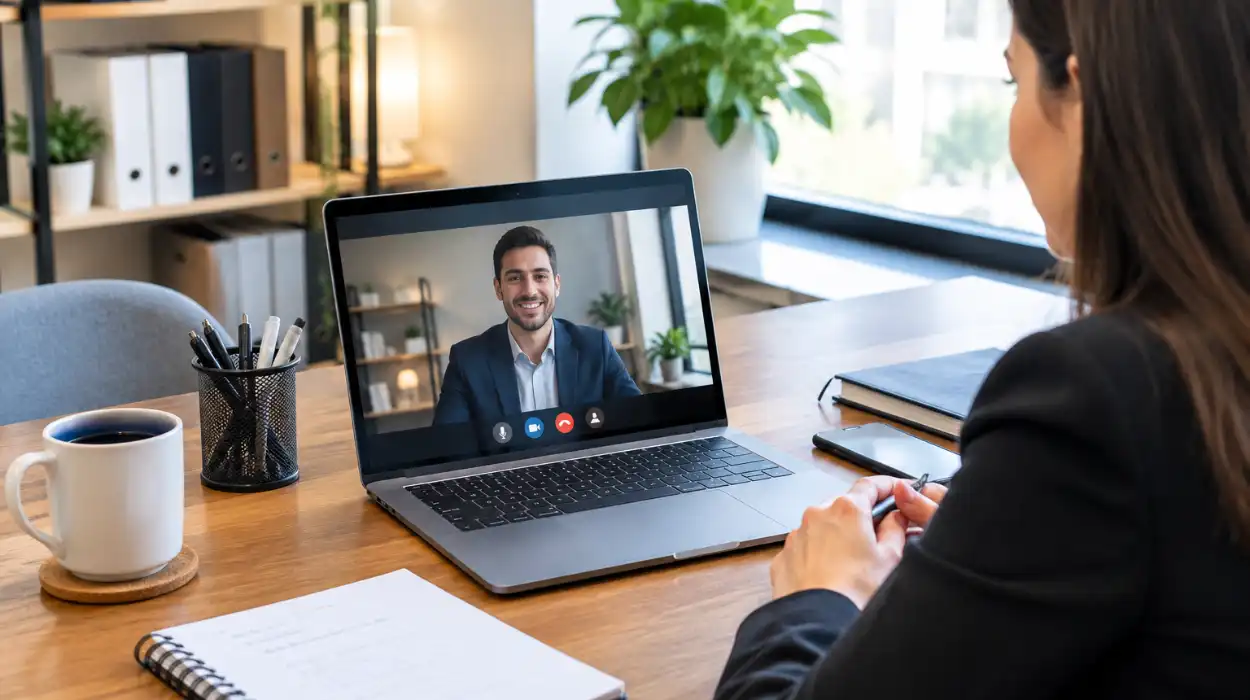
To reserve hybrid event spaces, select a venue with integrated audio-visual technology, verify participant capacity limits, confirm high-speed internet availability, and finalize booking details through a dedicated corporate provider. Booking through a managed platform secures fully equipped locations that connect remote and in-person attendees.
What Technical Requirements Are Needed to Reserve Hybrid Event Spaces?
Reserving hybrid event spaces requires dual-display screens, multi-directional microphone arrays, high-definition auto-tracking cameras, dedicated synchronous fiber internet, and hardware-level compatibility with major video conferencing platforms. Meeting these criteria prevents latency, audio feedback, and visual drops during live corporate broadcasts.
Modern corporate events depend on hardware stability. In-person meeting rooms must feature optical zoom cameras that automatically frame active speakers. Microphones must capture ambient room audio while filtering background noise.
Standard broadband connections often fail during multi-stream events. Hybrid venues utilize dedicated symmetrical fiber lines with minimum upload speeds of 100 Mbps. Wireless access points must support dense device connections without dropping signal strength.
Display systems require dual-screen setups. One display shows remote participants, while the secondary screen presents shared data and slides. Direct HDMI and wireless screen-sharing protocols allow present presenters to connect instantly.
Equipment integration requires pre-configured control panels. Universal controllers remove the need for manual wire management. Facility managers verify signal routing before meeting hosts initiate live sessions.
When organizers evaluate technical infrastructure, remote attendee engagement relies on low-latency streaming. Organizations planning complex virtual setups should learn how to set up seamless video streaming for a live event to eliminate broadcast delays and maintain stream stability.
How Do You Select the Best Hybrid Event Space for Business Needs?
Select a hybrid event space by evaluating physical room capacity, assessing local transport links, auditing built-in AV infrastructure, verifying on-site technical support availability, and matching venue features with your specific meeting format. Choosing certified facilities ensures smooth operational execution and seamless participant interaction.
Physical layouts dictate delegate interaction. Traditional boardrooms suit executive voting sessions. Modern flexible layouts support interactive workshops, break-out groups, and panel presentations.
Spatial acoustics impact remote audio clarity. Rooms with acoustic wall panelling and carpeted floors reduce sound reflection. High ceilings and uncurtained glass walls create echo, which degrades remote microphone feeds.
Location accessibility influences physical turnout rates. Select venues within a 10-minute walk of major rail hubs and public transit options. Central locations reduce travel stress for local teams and traveling executives.
Technical staff presence prevents operational downtime. On-site engineers troubleshoot hardware glitches, manage audio levels, and monitor live streaming connections throughout the event.
Corporate organizers streamline location booking by leveraging dedicated business services. Companies often choose to book executive conference rooms with integrated tech to secure high-spec facilities in key commercial districts without long-term commercial lease obligations.
What Steps Are Required to Secure a Hybrid Event Venue Reservation?
To secure a hybrid event venue reservation, outline event specifications, check venue availability, conduct an audio-visual site audit, confirm pricing structures, and submit a formal reservation agreement. Completing these steps guarantees space allocation and reserves dedicated technical support staff for your event date.
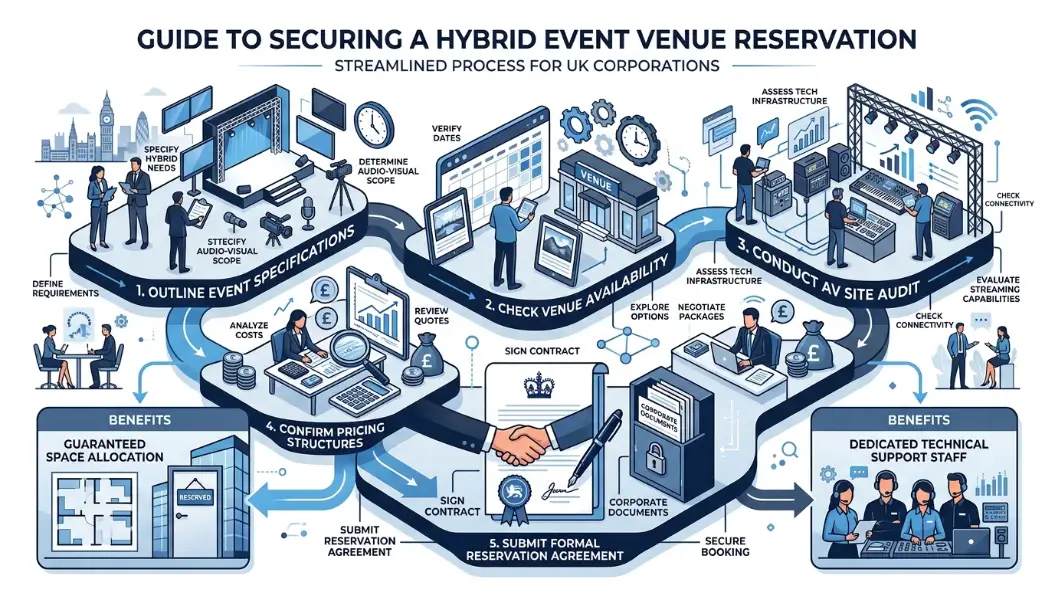
Begin the booking process four to six weeks before the scheduled event. Define key operational parameters, including physical attendee counts, remote stream user limits, catering demands, and total session duration.
Request a formal facility audit or virtual walk-through. Test hardware configurations using your company’s preferred software, such as Zoom, Microsoft Teams, or Webex. Verify that camera angles capture all physical seating areas clearly.
Review lease terms and service level agreements carefully. Ensure the contract explicitly details room access times, equipment usage rights, network security protocols, and cancellation terms. Confirm that technical support personnel remain on-site during your scheduled block.
Submit payment through verified corporate channels. Managed platforms streamline billing by combining space rental, AV access, and administrative support into single transactions.
Businesses scaling their operational presence utilize external corporate management services. Teams can reserve hybrid event spaces via Form My Company to establish professional meeting footprints across major UK enterprise centers.
How Do Venue Layouts Impact Hybrid Meeting Interaction?
Venue layouts impact hybrid meeting interaction by controlling camera sightlines, defining audio capture zones, shaping physical delegate movement, and directing attendee eye contact. Proper spatial configuration places remote participants on visible eye-level screens, establishing natural communication channels between physical and digital spaces.
Sightlines dictate participant focus. In-person attendees must view remote participants without turning away from local presenters. Position primary display monitors directly opposite the main seating arc to maintain natural eye contact.
Physical seating impacts camera coverage. U-shaped and hollow-square arrangements allow pan-tilt-zoom cameras to capture individual speakers clearly. Long classroom rows obstruct camera views, hiding delegates seated in rear sections.
Microphone placement depends on spatial geometry. Large room setups require ceiling-mounted beamforming microphone arrays. Small meeting spaces rely on centralized tabletop boundary microphones to capture clear audio.
Lighting conditions affect video capture quality. Avoid positioning seating directly in front of unshaded windows. Direct glare blinds camera sensors, darkening foreground subjects and obscuring facial expressions.
Interactive sessions require clear physical space for presenter movement. Presenters need designated presentation zones equipped with secondary tracking cameras. Unrestricted movement keeps presentations dynamic for both room attendees and remote video streams.
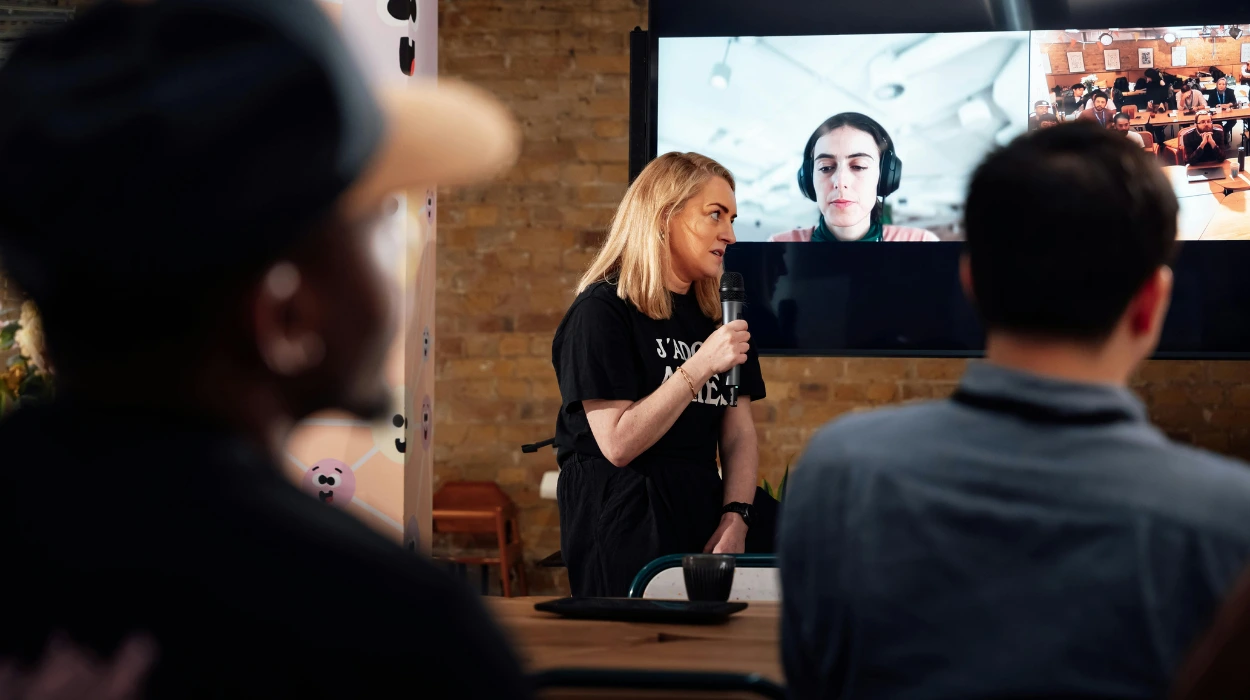
Maintaining audience focus across two distinct environments requires deliberate facilitation techniques. Meeting coordinators frequently ask how do you keep remote attendees engaged in a live event when balancing physical audience participation with online chat interactions.
Why Should Companies Rent Hybrid Spaces Instead of Building Internal Rooms?
Renting hybrid spaces eliminates capital expenditure, provides immediate access to enterprise-grade audio-visual technology, cuts facilities maintenance costs, and grants flexible access to prime business locations. Leasing certified spaces delivers professional infrastructure without continuous hardware upgrades or expensive real estate overhead.
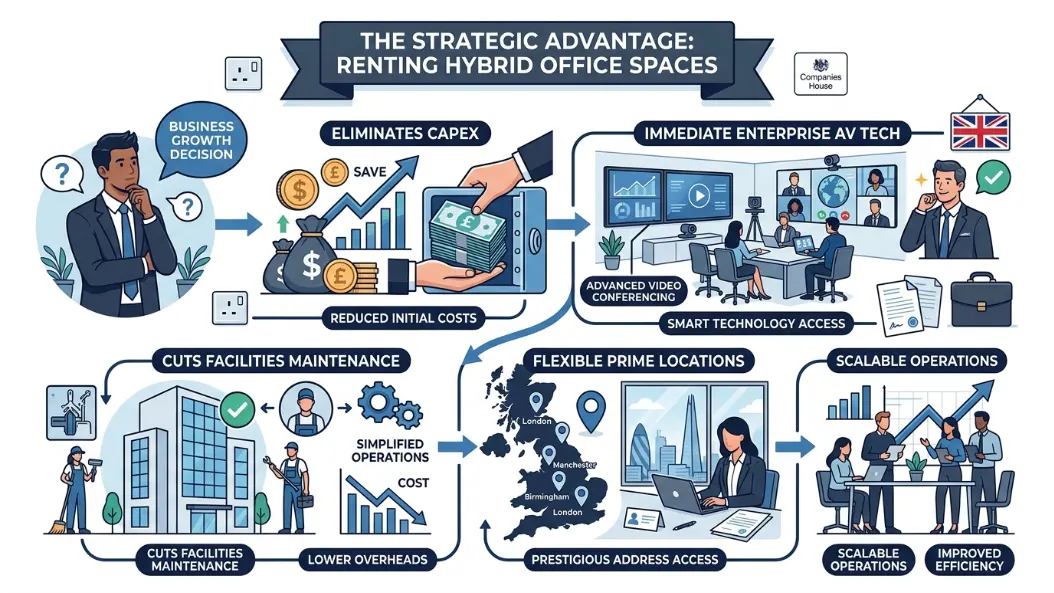
Outfitting an enterprise-grade hybrid room requires significant capital investment. Commercial hardware, acoustic treatments, high-definition displays, and custom control panels cost upwards of £25,000 per room. Renting transfers equipment costs to venue operators.
Technology becomes obsolete quickly. Audio-visual standards update every two to three years. Venue operators upgrade hardware continually, ensuring clients access modern processing gear without recurring capital investments.
Real estate costs remain a major overhead for modern businesses. Maintaining underutilized boardrooms drains company resources. On-demand room bookings allow companies to convert fixed real estate liabilities into variable operational expenses.
Internal IT departments face heavy maintenance burdens when managing specialized AV gear. On-demand hybrid facilities supply dedicated on-site technicians who manage hardware setup, connection testing, and live signal management.
Scalability remains a primary operational advantage. Renting allows organizations to choose micro-booths for brief client pitches, standard boardrooms for monthly director meetings, or large auditoriums for annual corporate AGMs.
What Audio-Visual Standards Ensure Crisp Hybrid Event Execution?
Crisp hybrid event execution relies on 4K resolution optical cameras, Dante-enabled digital audio networks, symmetrical 1 Gbps fiber connections, and hardware echo cancellation processors. Implementing these standards guarantees synchronized video playback, crystal-clear speech transmission, and zero stream buffering for all attendees.
Audio quality determines meeting success. Listeners tolerate minor video pixelation, but distorted audio ruins presentations immediately. Digital signal processors use acoustic echo cancellation to strip out room reflection and speaker feedback.
Video transmission requires high-frame-rate capture. Cameras capturing at 60 frames per second ensure smooth motion during live whiteboard demonstrations. Presenters moving across stages remain sharp without motion blur artifacts.
Network architecture demands isolated bandwidth allocations. Event streams must run on dedicated virtual local area networks separate from guest Wi-Fi connections. Network isolation prevents delegate mobile devices from throttling broadcast stream bandwidth.
Hardware encoding provides system stability. Dedicated hardware encoders compress live video feeds efficiently without straining software application processing limits. Hardware pipelines prevent application freezes during prolonged broadcasting sessions.
Power redundancy protects against unexpected outages. Enterprise venues install uninterruptible power supply units across core network switches and broadcast hardware. Uninterruptible units keep streams active during local power fluctuations.
How Do Managed Business Platforms Simplify Corporate Event Booking?
Managed business platforms simplify corporate event booking by centralizing facility searching, unifying administrative billing, guaranteeing compliance standards, and delivering pre-vetted hybrid rooms with verified technology. Using a single portal removes contract negotiations with multiple third-party venue vendors.
Fragmented venue sourcing wastes operational time. Administrative staff spend hours contacting separate vendors, checking schedules, comparing AV specs, and reviewing disparate rental contracts. Centralized platforms aggregate verified venues into single search databases.
Sourcing platforms standardize room hardware specifications. Verified listings detail exact camera types, microphone arrays, network speeds, and room dimensions. Standardized data eliminates surprise equipment gaps on meeting days.
Administrative overhead drops significantly through consolidated invoicing. Organizations receive single monthly billing statements covering room access, technical support, catering, and administrative services across multiple physical sites.
Compliance standards remain uniform across all booked locations. Facilities listed on managed corporate platforms adhere to strict data privacy rules, physical accessibility regulations, and health safety guidelines.
Corporate users gain priority reservation access. Established business management platforms secure preferred booking windows, granting client organizations access to high-demand commercial meeting rooms during peak quarterly reporting periods.
Explore our Conference Rooms guide,
Get ECCTA-Compliant PSC Verification From Form My Company
Book Hybrid-Ready Conference Rooms With Form My Company
How much does it cost to book conference rooms in the UK?
The cost of renting conference rooms through Form My Company typically ranges from £30 to £150 per hour, depending on the location, seating capacity, and technical amenities. Premium venues in central business districts like London may charge higher day rates, while standard meeting spaces in regional hubs offer more cost-effective options. Total pricing generally includes high-speed Wi-Fi, audio-visual equipment, and administrative support.
What amenities are included when renting a conference room?
Standard conference rooms provided by Form My Company come equipped with enterprise-grade audio-visual technology, including dual-display monitors, microphonic arrays, and video conferencing systems. Bookings also feature high-speed symmetrical fiber internet, whiteboards, ergonomic seating, and access to on-site reception personnel. Additional services like professional catering and dedicated IT support can be added based on meeting requirements.
How do I book a hybrid conference room through Form My Company?
You can reserve fully equipped hybrid conference rooms directly on the Form My Company platform by selecting your preferred city, meeting duration, and delegate count. The online booking system allows you to filter venues by specific technical requirements, such as 4K auto-tracking cameras or hybrid streaming setups. Once selected, instant confirmation secures the facility along with on-site support for your event date.
Can conference rooms be rented by the hour or only by the full day?
Form My Company offers flexible booking arrangements, allowing businesses to rent conference rooms by the hour, half-day, or full day. Hourly rentals provide a cost-effective solution for short client presentations and team catch-ups without requiring long-term commitments. Full-day options are ideal for workshops, board meetings, and multi-session corporate events requiring continuous room access.
Are conference rooms suitable for hybrid video conferencing calls?
Yes, modern conference rooms booked via Form My Company are specifically optimized for hybrid video conferencing across platforms like Zoom, Microsoft Teams, and Webex. These rooms feature acoustic soundproofing, beamforming ceiling microphones, and wide-angle tracking cameras to ensure seamless interaction between physical and remote attendees. On-site technical support is available to assist with connection testing and hardware management.